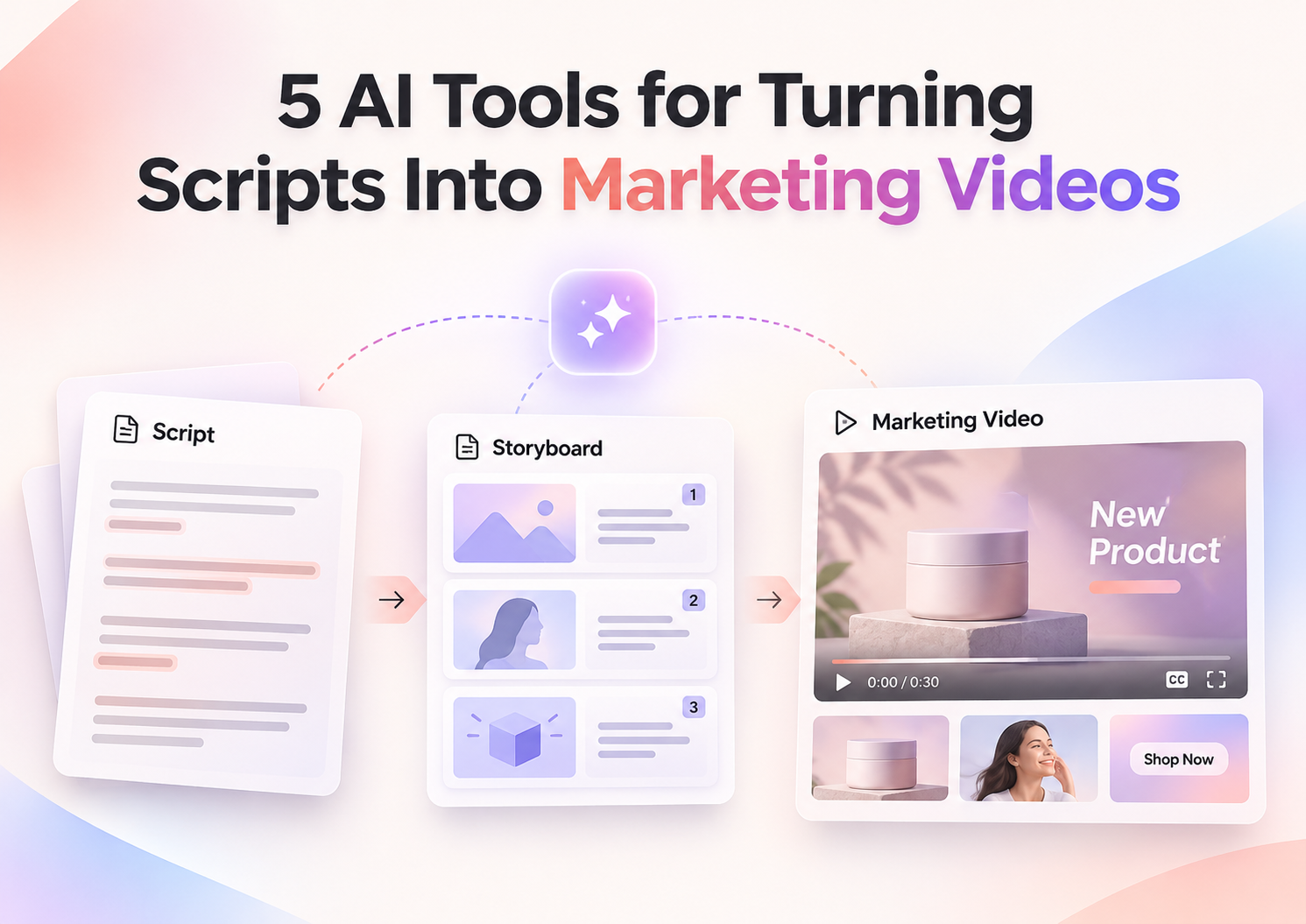
Script to video AI is software that turns a written script into a finished video with scenes, voiceover, and edits. For marketing teams, it replaces a long chain of briefs, shoots, and revisions. One script can now become an ad, an explainer, or a product demo in hours. This list compares five tools that do this work.
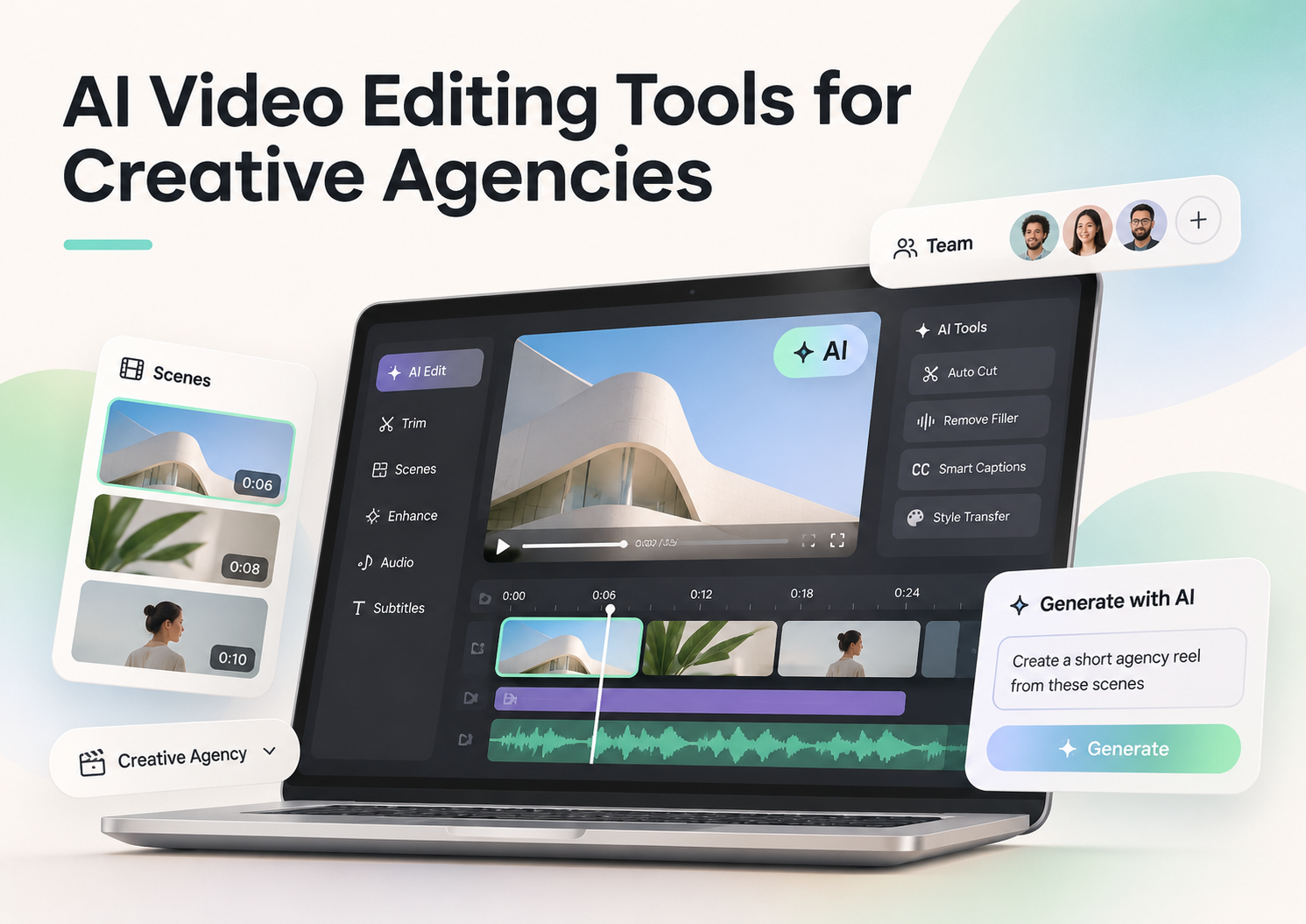
The tools differ in what the finished video looks like. Some center on an on-screen AI avatar. Others assemble stock footage around a voiceover. The first entry, invideo, approaches AI filmmaking as a directed crew that generates new footage from the script. Each entry covers fit, limits, and pricing. If you are starting from footage or product shots rather than a script, an AI video editor or an image to video workflow may be the better fit.
How were these five script to video tools chosen and compared?
Each tool accepts a written script and returns a usable marketing video. The comparison uses five criteria.
Output style: an on-screen avatar, assembled stock footage, or newly generated scenes.
Edit control: how easily a team can revise scenes after the first draft.
Campaign consistency: whether characters, products, and brand look stay stable across videos.
Publishing readiness: watermarks, commercial rights, and export quality.
Pricing clarity: what the entry plan costs and where plans scale.
The facts come from vendor pages and recent pricing reviews. The tools were not benchmarked head to head. Prices reflect the entry paid plan on monthly billing as listed in November 2026.
Tool | Best for | Key output or feature | Starting price |
|---|---|---|---|
Invideo | Script-based campaigns with consistent branding | Generated clips on an editable timeline, with expert agents | From $20/month |
Synthesia | Training and explainer videos | Presenter videos with AI avatars | Free plan, paid from $19/month |
HeyGen | Multilingual avatar marketing videos | Avatar videos with voice cloning and translation | Free plan, paid from $29/month |
Pictory | Repurposing blog posts and scripts | Short videos built from text, links, and slides | 14-day trial, paid from $29/month |
Fliki | Voiceover-led explainers | Text to video with built-in AI voices | Free plan, paid from $28/month |
1. Invideo
Invideo is an AI filmmaking collaborator that writes, plans, generates, and edits a video across a whole project. Its script to video ai workflow turns scripts, documents, and prompts into finished videos without cameras, crews, or studios.
AI agents analyze the script and create the clips. They then organize those clips on an editable timeline. Users can create expert agents such as a scriptwriter, a cinematographer, or a sound designer. The product page describes 4K output with realistic human characters and voiceovers.
Project memory keeps characters and products consistent across shots. For ads, invideo offers workflows to replicate a winning ad, localize it, and scale variants. Published examples from invideo put UGC-style ads at about $125 each. This crew model sets invideo apart from one-click generators in AI filmmaking.
Best for: Marketing teams that want script-based campaigns with consistent characters, products, and brand look.
Where it falls short: Each generated shot runs 8 seconds, so longer videos need many assembled clips. Results also depend on the models and the brief.
Pricing: Starts at $20/month on the Starter plan with limited agent access, full agent access unlocks on the $60/month Plus plan, and Max goes up to $150/month for higher usage.
2. Synthesia
Synthesia turns a written script into a video presented by an AI avatar. The avatar speaks the script in a chosen AI voice. The platform also supports dubbing and interactive video.
A free Basic plan includes 10 minutes of video creation. Paid plans remove the Synthesia logo and allow downloads. Starter also adds the AI Video Assistant and company-style controls. Enterprise adds one-click translation into more than 140 languages. It also adds SCORM export for learning systems.
Synthesia has an AI video agent called Syren. Users describe the video they want, and Syren builds it. A one-minute video typically uses 1,000 to 2,000 credits.
Best for: Teams producing presenter-led training, onboarding, and product explainer videos.
Where it falls short: The format centers on an on-screen presenter, which suits business content better than cinematic campaigns. Self-serve plans also lack credit top-ups.
Pricing: Starts at $19/month on the Starter plan with monthly billing. It scales up to $89/month on the Pro plan, with custom Enterprise pricing above that.
3. HeyGen
HeyGen converts a script into a video with a realistic AI avatar. The Creator plan exports in 1080p with HeyGen branding removed. The Pro plan adds 4K export.
The platform lists voice cloning and translation across more than 175 languages. That range helps teams localize one script for many markets. Free users also get limited trial access to Avatar IV, Video Agent, and lip-sync translation.
A free plan allows three watermarked videos per month. Each video can run up to one minute. Paid plans raise the length limit to 30 minutes on Creator and 60 minutes on Business. Business also adds a team workspace with shared credits.
Best for: Marketers who want avatar-led product and sales videos in many languages.
Where it falls short: Credits are spent at different rates by avatar model. That means 600 credits do not equal a fixed number of minutes. The Creator and Pro plans are also single-user plans.
Pricing: Starts at $29/month on the Creator plan. It scales up to $149/month plus $20 per extra seat on Business, with custom Enterprise above that.
4. Pictory
Pictory turns scripts, blog posts, and links into short videos. Users supply the text, and Pictory builds scenes around it. The platform supplies royalty-free videos, AI voices, music tracks, and customizable templates.
Paid Starter exports run in 1080p without a watermark. Starter includes one brand kit. The Professional plan adds voice cloning, custom avatars, long-video summarization, and five brand kits. These features help a team keep a recognizable look across many short videos.
The Teams plan adds shared workspaces, ten brand kits, and three or more users. Enterprise handles larger organizations and SCORM export. The API is sold separately from the ordinary web plans.
Best for: Content teams repurposing blog posts and written scripts into short social videos.
Where it falls short: Generative AI features draw on metered credits. Pictory also has no permanent free plan, only a 14-day trial.
Pricing: Starts at $29/month on the Starter plan with monthly billing. It scales up to $199/month on the Teams plan, with custom Enterprise above that.
5. Fliki
Fliki converts text and ideas into videos with AI voiceovers. Users paste a script and choose a voice. Fliki then matches visuals from its stock library. The free plan includes 3 credits per month for testing.
The platform pairs a text-to-speech library with built-in video assembly. That removes the need for a separate voice tool. The Standard plan also unlocks the full voice library. It includes 1080p export, no watermark, and a commercial license.
The Premium plan adds AI video clips, all avatars, and API access. Premium also raises the monthly credit allowance from 180 to 600. These upgrades suit teams that publish at higher volume.
Best for: Small teams that want voiceover-led explainers and social videos from written scripts.
Where it falls short: The free plan exports at 720p with a watermark and excludes commercial rights. Marketing use therefore needs a paid plan.
Pricing: Starts at $28/month on the Standard plan with monthly billing. It scales up to $88/month on the Premium plan, with custom Enterprise above that.
Which script to video tool should you use?
Directed AI filmmaking for script-based campaigns → Invideo.
Presenter-led training and onboarding videos → Synthesia.
Avatar videos localized into many languages → HeyGen.
Blog posts and scripts repurposed into short clips → Pictory.
Voiceover-led explainers on a small budget → Fliki.
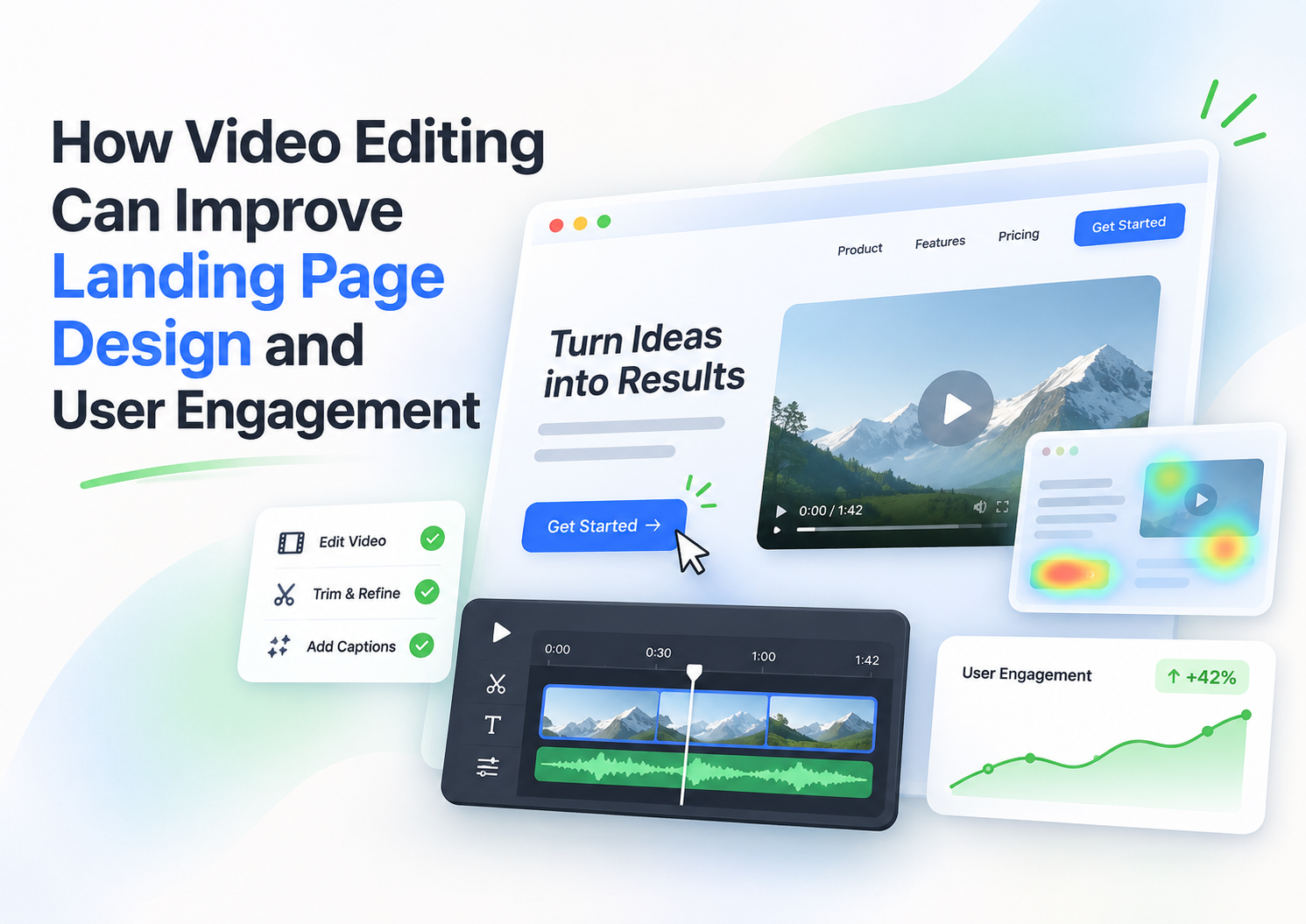
Whichever tool you pick, the first few seconds decide whether anyone keeps watching, so it is worth reading why content isn't getting clicks before you write the script. And if the video is headed for a landing page, how it is edited for the page matters as much as how it was generated.
Script to video AI FAQs
What is script to video AI?
Script to video AI is technology that converts a written script into a video. It generates scenes, visuals, voiceovers, and edits from the text. Marketing teams use it to skip filming for many common video types.
Can AI turn a script into a full marketing video?
Yes. These tools can generate scenes, voiceovers, music, and captions from a script. A person still reviews the result before publishing. Options range from avatar presenters to directed AI filmmaking platforms such as invideo.
Is there a free AI video generator from text?
Some tools offer free plans. Synthesia, HeyGen, and Fliki each have one with limits on length, features, or watermarks. Pictory offers a 14-day trial instead of a permanent free plan.
How much do script to video tools cost?
Entry paid plans in this list run from $19 to $29 per month on monthly billing. Higher tiers add credits, seats, and longer videos. Prices change often, so check each vendor's pricing page before buying.