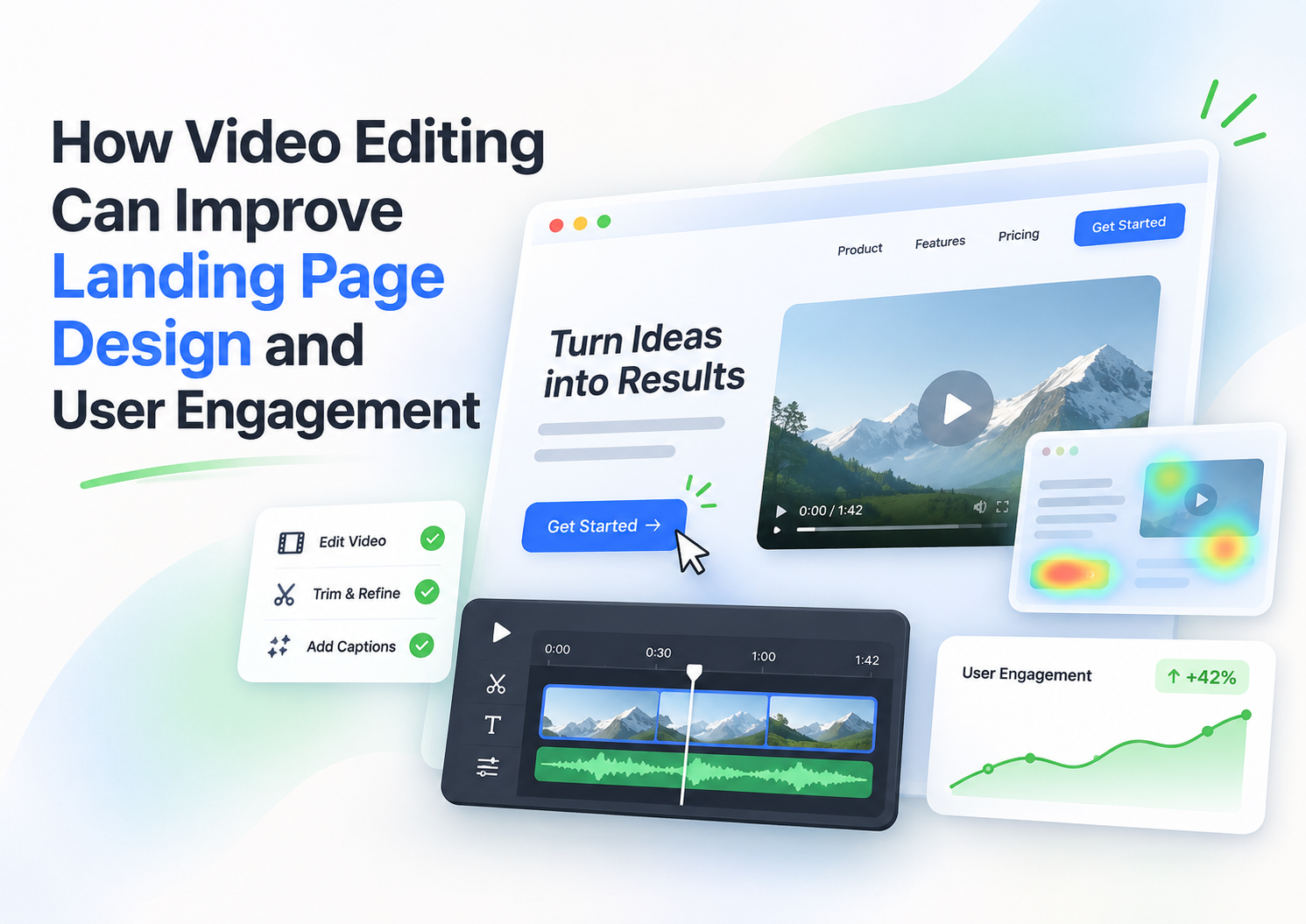
Video editing improves landing page design when it shapes a video to do one clear job on the page, such as explaining a feature, building trust, or leading a visitor toward a call to action. A landing page video is not a standalone film. It is a design element that sits among headlines, buttons, and images, and the way it is edited decides whether it supports the page or distracts from it.
Most teams focus on what to film and give less attention to how to cut it. On a landing page, that gets the priority backwards. Visitors scan quickly, decide in seconds, and leave if something feels slow or unclear. The same footage can feel sharp or sluggish depending on how it is opened, trimmed, paced, and captioned. This article looks at the editing choices that shape engagement, how to match video to the design of a page, and how to tell whether an edit is working.
Why Editing Matters More Than Footage on a Landing Page
Raw footage is rarely ready for a landing page. A recording of a demo, an interview, or a product shoot usually contains pauses, repeated takes, tangents, and slow openings. On a page where attention is short, those details cost viewers.
Editing is where a video gets its focus. Cutting a long recording down to its strongest moments, putting the most useful point first, and removing everything that does not serve the page turns a recording into something a visitor will actually watch. Good footage with weak editing often performs worse than ordinary footage with sharp editing.
Matching Video to the Design of the Page
A video that looks different from the page around it can feel pasted on. Editing is the chance to make it feel like part of the design.
Color. Adjusting the color look of a video so it sits comfortably with the page's palette keeps the visual feel consistent from headline to video.
Typography. Captions and titles that use the same fonts and styling as the page reinforce the brand without drawing attention to themselves.
Aspect ratio. A video framed to fit its container, whether a wide hero area, a square card, or a vertical mobile view, avoids awkward cropping and empty space.
Pace and tone. A calm, premium page suits slower, steadier editing, while an energetic product page can handle faster cuts.
Sound. Because many landing page videos autoplay muted, the visual story has to carry the message, with sound adding to the experience when a visitor chooses to turn it on.
Different Videos for Different Parts of the Page
One video rarely fits every section. Different placements ask different things of the edit.
Hero video. The opening section benefits from a short, visually clean clip that supports the headline without competing with it.
Feature clips. A brief clip beside a feature description works best when it gets straight to the point and ends as soon as the point is made.
Testimonials. A customer story edited to its strongest moments feels more credible than a full, unedited interview.
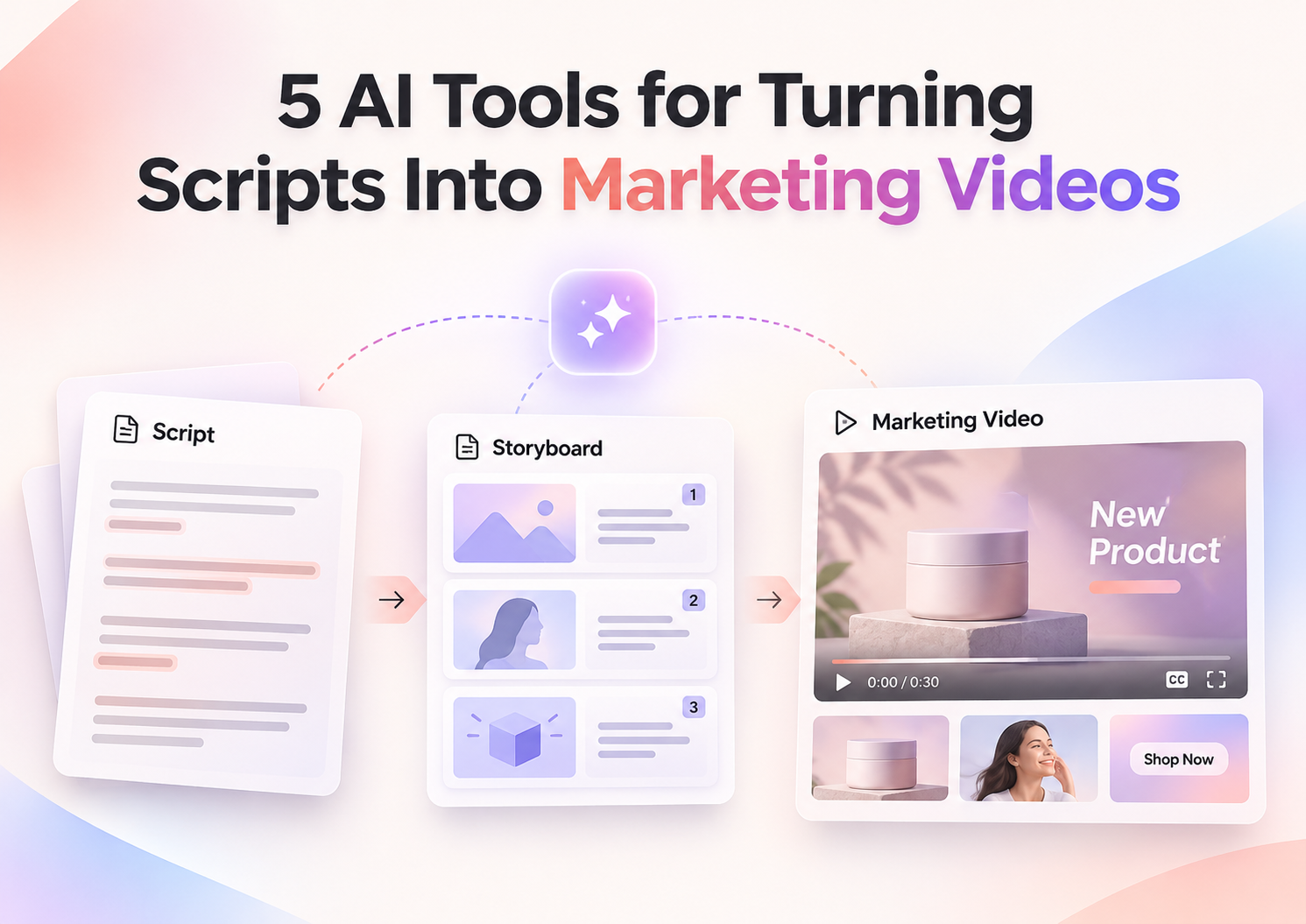
Explainers. A longer video behind a play button can go into more depth for visitors who want it, since they have chosen to watch. Teams without footage often draft these with script to video AI tools.
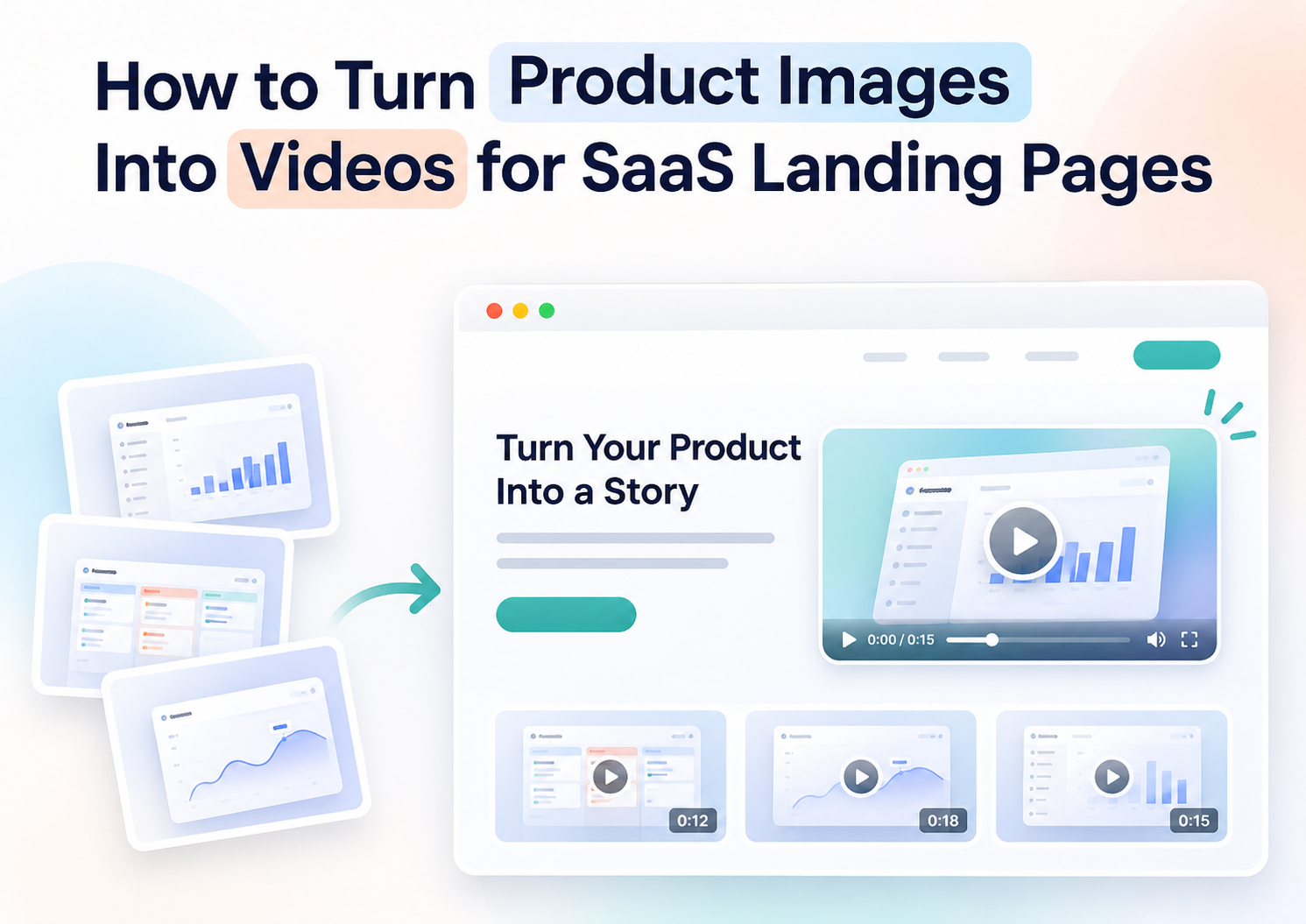
Editing one recording into several versions lets a team serve each placement properly, instead of using the same clip everywhere. When there is no recording at all, product images can be turned into short videos for the hero and feature sections.
Performance and Accessibility
Editing also affects how a video behaves on the page. A few points are worth building in during the edit.
File size. Shorter clips and sensible export settings keep pages loading quickly, which protects both engagement and design polish.
Poster frame. Choosing a strong still frame for the moment before playback keeps the page looking complete while the video loads.
Captions. Accurate captions help visitors who watch without sound, as well as those who prefer reading.
Reduced motion. Some visitors prefer less movement, so decorative loops should be easy to pause and the page should still work without them.
Measuring Whether the Edit Works
An edit is a hypothesis until it is tested. A few signals show whether a video is helping the page.
Play rate. How many visitors choose to start the video, or whether an autoplay clip holds attention.
Watch-through. How far viewers get, which shows where the edit loses people.
Scroll behavior. Whether visitors keep reading after the video, or leave the page.
Click-through and conversion. Whether visitors who watch are more likely to take the next step.
Comparing two edits of the same video, such as a different opening or a shorter cut, shows which choices matter. Small changes to the first few seconds and the length often reveal the most.
Invideo Editor: Rough Cuts and Versions for Page Videos
Invideo Editor suits teams that need to turn raw recordings into page-ready videos and then adapt them for different placements. Its approach to rough cut editing starts with raw footage and a written brief. The agent reviews the on-screen action, delivery, and dialogue, removes unusable material, selects the strongest takes, and assembles an editable base cut that a team can then shape for the page.
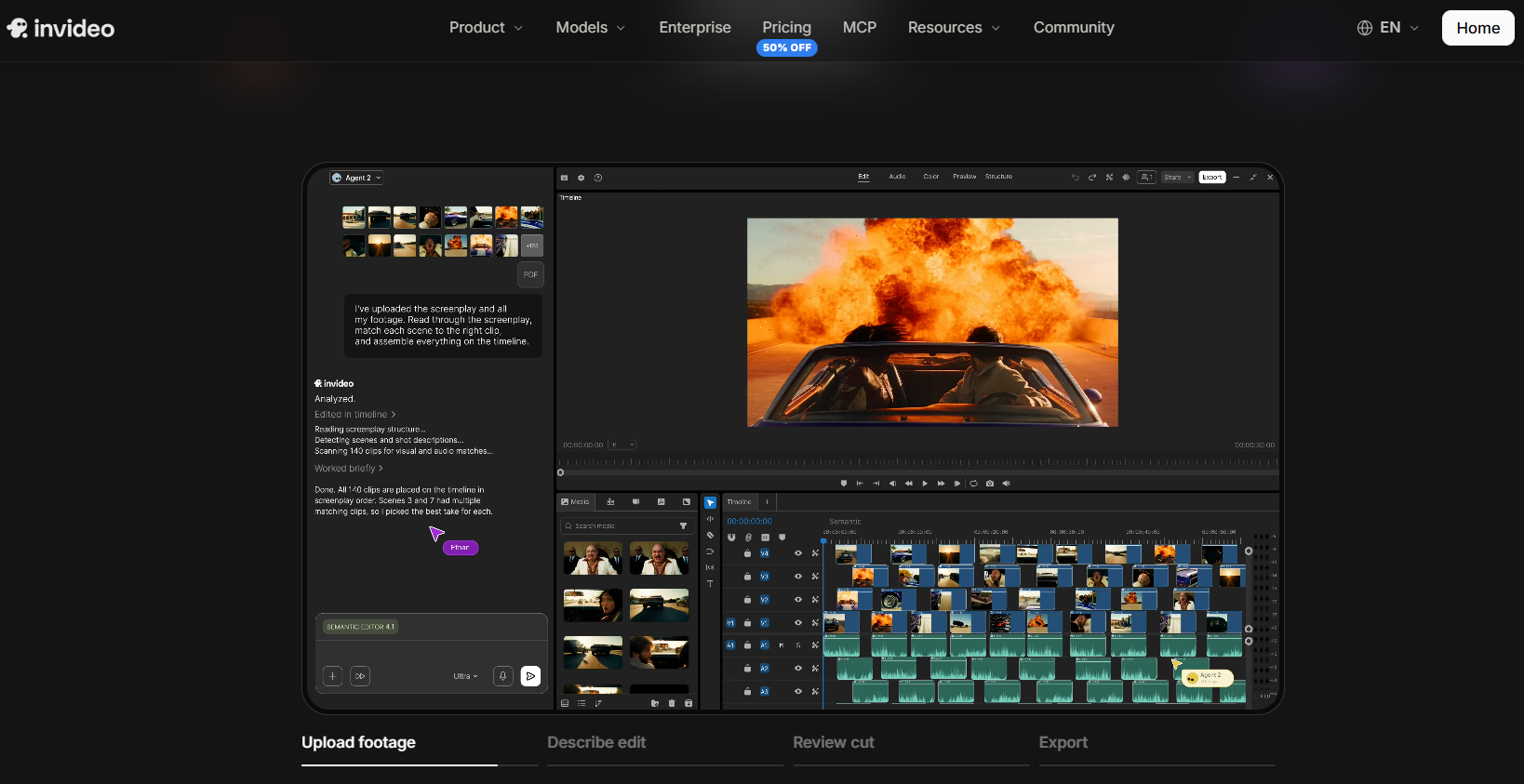
Key features:
Base cut assembly from raw footage and a plain-language brief, with the strongest takes selected and unusable material removed
Restructuring requests such as a faster opening, a shorter middle, or a cut to a target duration, while preserving the context viewers need
Versions built from one timeline, including trailers, highlight reels, social cuts, and platform-specific edits, each with its own opening, pacing, and duration
Footage that can be arranged around a music track or voiceover, with cuts timed to the rhythm
Color grading from a described look or a reference image, to help video match a page's palette
Dialogue cleanup, sound effects, and audio balancing in the same project
Review links, so stakeholders can leave feedback on a draft without exporting files
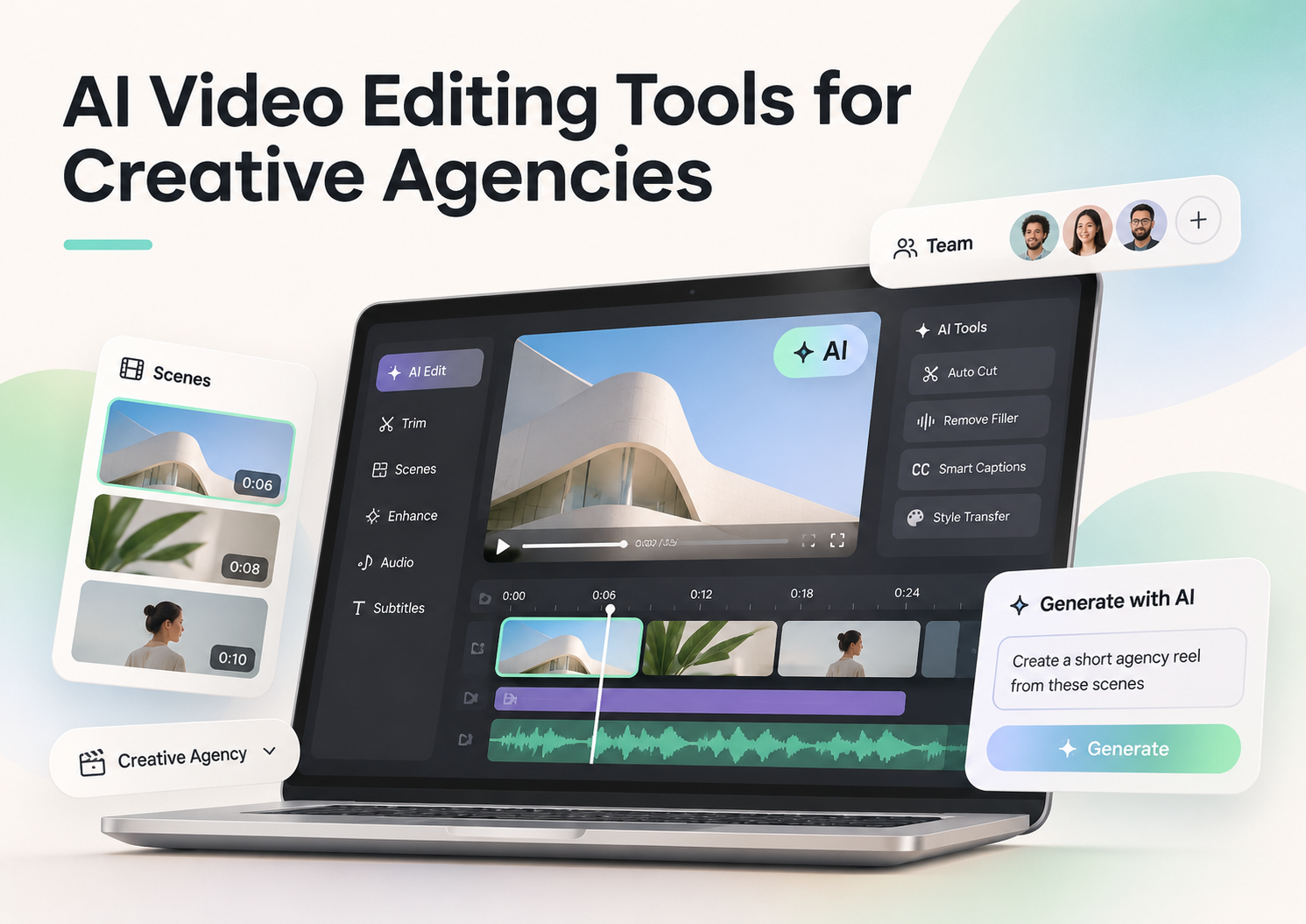
For landing pages, the versioning is the practical benefit. A single shoot can produce a hero cut, a feature clip, and a testimonial edit by changing the opening, the pacing, and the length for each placement. The timeline stays open for manual adjustments, so details like caption styling and the closing frame can be finished by hand. The manual timeline is free to use, while the AI agent features run on credits through paid plans. For other options, see our comparison of AI video editing tools for creative agencies.
Common Mistakes
Slow openings. A logo animation or long introduction before the point costs viewers early.
One video everywhere. A clip suited to the hero rarely suits a feature section.
Ignoring muted playback. A video that depends on sound loses visitors who never turn it on.
Mismatched look. Video that clashes with the page's colors and type makes the whole page feel less coherent.
Overlong clips. A video that keeps going after it has made its point wastes attention.
Skipping testing. Without comparing versions, it is hard to know which edit actually helps. The same goes for the rest of the page, as these landing page design mistakes show.
Final Thoughts
Landing page video works when it is treated as part of the page design, not an add-on. Editing is where that happens: choosing the opening, cutting to what matters, matching the look of the page, and shaping a version for each placement.
Teams that invest a little more thought in how a video is cut, and test the results, often see more benefit than teams that invest in more footage. A focused, well-edited clip gives visitors what they came for, and gives the page a better chance of turning attention into action.
FAQ
How long should a landing page video be? Short enough to make its point and stop. Hero and feature clips tend to work best when brief, while longer explainers can sit behind a play button for visitors who want more.
Should landing page videos have sound? They should work without it, since many autoplay muted. Captions and clear visuals carry the message, with sound as an optional extra.
How does editing affect conversion? Editing shapes how quickly a video gets to its point, how clear it is, and how it ends. A strong opening and a clear closing prompt help visitors take the next step.
Can one recording be edited for several parts of a page? Yes. One recording can be cut into a hero clip, feature clips, and a testimonial edit. A tool like invideo editor can build these versions from a single timeline.
How can I make a video match my landing page design? Adjust the color look to the page palette, use the same fonts for captions and titles, and export in the aspect ratio of the container. Invideo Editor supports color grading from a described look or a reference image, plus export in the ratio each placement needs.