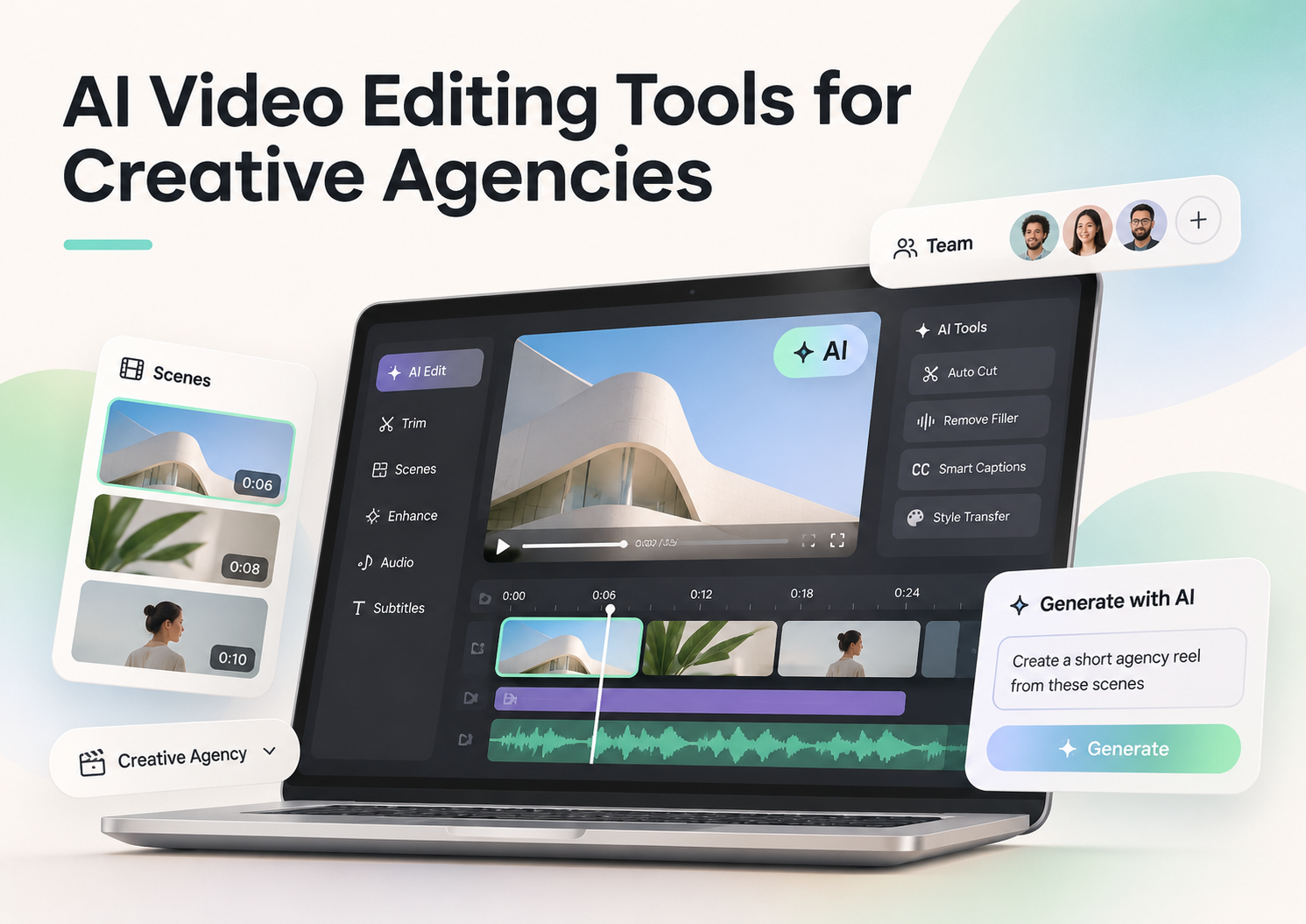
AI video editing tools for creative agencies are editors that use artificial intelligence to speed up the repetitive parts of production, such as assembling first cuts, sourcing footage, captioning, and building versions, while giving teams the collaboration and review features agency work depends on. Agencies rarely edit one video at a time. They handle several clients, tight deadlines, and many deliverables from a single shoot, so a tool has to fit a team workflow and not just one person's.
That makes the choice different from picking an editor as a solo creator. An agency needs to think about how a team shares a project, how clients give feedback, how brand style stays consistent across videos, and how quickly one recording can become a full set of formats. This guide covers six tools that approach those needs in different ways, from AI-first editors to design-led platforms and professional software. It is the same shift that has already changed how agencies design landing pages with AI.
How We Picked These
Four things guided the selection. Team collaboration came first, since agency video usually passes through several hands before it reaches a client. Speed to a first draft mattered next, because turnaround is one of the main pressures in agency work. Brand and format flexibility counted too, meaning how easily a tool applies a consistent look and produces versions for different channels. Cost rounded it out, since agencies pay per seat and costs add up across a team.
Comparison Table
Tool | Best for | Standout feature | Starting price |
|---|---|---|---|
Invideo Editor | First cuts, B-roll, and review in one project | AI agents assemble a draft and a shared timeline supports team review | Free manual timeline (AI plans from $20/month) |
Kapwing | Teams editing the same video together in a browser | Real-time collaboration with Smart Cut | Free (watermarked) |
VEED | Fast social and talking-head content with branding | Brand kits, auto-subtitles, and Magic Cut | Free (limited) |
Descript | Interview, podcast, and talking-head projects | Editing video by editing the transcript | Free (about 60 media minutes/month) |
Adobe Premiere Pro | Agencies already in Creative Cloud | Integration with After Effects and the Adobe ecosystem | $22.99/month |
Canva | Template-driven brand content | Drag-and-drop editing with real-time collaboration | Free |
Invideo Editor
A common bottleneck for agencies is the stretch between raw footage and a first draft a client can react to. Invideo Editor is built around that stretch. It is a browser-based editor with a full multitrack timeline and AI agents that review footage against a brief and assemble a first cut, which a team then refines together.
Key features:
First cuts built by an AI agent from raw footage and a written brief, with unusable takes removed
Multiplayer editing, where several people work in one project with live cursors and comments
Review links with timestamped comments, so clients can give feedback without exporting files
Platform versions and cut-downs, such as social cuts and highlights, built from the same timeline
Color grading and audio tools in the same project, plus export to Premiere Pro, DaVinci Resolve, or Final Cut Pro
The option to connect outside AI assistants to the editor, so a team can direct edits from the tools it already uses
Best for: agencies that want first cuts, supporting footage, and client review in one shared project, with a manual timeline for finishing touches.
Pricing: The manual timeline is free to use. AI agent features run on credits through paid plans, starting at $20/month on Starter, $60/month on Plus, and $150/month on Max for higher usage.
Kapwing
Kapwing is a browser-based editor built around collaboration, which suits agencies where a designer, a copywriter, and an account manager may all touch the same video.
Key features:
Real-time, multi-user collaborative editing
Smart Cut for automatic silence and filler-word removal
Auto-reframe across aspect ratios
Automatic background removal
Auto-generated subtitles
Shared workspace templates for team projects
Best for: agencies where several people edit or review the same video at once.
Pricing: Starts free with a watermark and a 4-minute project cap. Paid plans begin at $16/month on Pro and scale up to $50/month on Business.
VEED
VEED focuses on automating the cleanup work around talking-head and social content, and its brand kit tools help keep client videos visually consistent.
Key features:
Magic Cut for automatic filler-word and silence removal
Auto-subtitles in 125+ languages
AI avatar generation for presenter-style videos
Automated video translation and dubbing
Built-in screen recording
Brand kit templates for consistent styling across videos
Best for: agencies producing high volumes of social and talking-head content for clients who care about consistent branding.
Pricing: Starts free on a limited plan. Paid plans begin around $9/month on Lite and scale up to $24/month on Pro.
Descript
Descript edits video by editing text. It transcribes a recording, and deleting a sentence from the transcript removes the matching moment, which makes it fast for interview-heavy and talking-head projects.
Key features:
Transcript-based editing, where cutting text cuts video
Studio Sound for cleaning up audio
An AI voice tool for patching a flubbed line without re-recording
Automatic filler-word and silence removal
Multi-track editing for layering extra footage or audio
Built-in screen recording for tutorial-style videos
Best for: agencies producing interviews, podcasts, webinars, and other speech-driven content.
Pricing: Free on a plan limited to about 60 media minutes a month. Paid plans start at $16/month on Hobbyist.
Adobe Premiere Pro
For agencies already built on Adobe's tools, Premiere Pro keeps video in the same ecosystem as design and motion work, with the deepest manual control on this list.
Key features:
A professional multi-track timeline with detailed manual control
Integration with After Effects, Photoshop, and Illustrator
Generative Extend, which can add roughly two seconds to a clip or ambient audio
Media Intelligence, which lets you search footage by describing what is in it
Text-based editing for working from a transcript
Caption translation into 27 languages
Best for: agencies with experienced editors and an established Creative Cloud workflow.
Pricing: Starts at $22.99/month on the Single App plan, with the All Apps plan at $59.99/month. Extra Firefly credits are a separate add-on from $9.99/month.
Canva
Canva's video editor uses the same drag-and-drop approach as its design tools, which suits agencies producing template-driven brand content in volume.
Key features:
A drag-and-drop editor with a simple timeline
A large library of video templates
Magic Video AI tools for quick, guided edits
Direct publishing to YouTube, TikTok, and Instagram
Real-time collaboration on shared projects
A built-in library of stock footage and graphics
Best for: agencies making template-based social and marketing videos alongside static design work.
Pricing: Free to start. Pro is $15/month, with a Teams plan at $10 per user per month.
Which One Should You Use
Want first cuts, B-roll, and client review in one project → Invideo Editor.
Need several people editing the same video at once → Kapwing.
Producing branded social and talking-head content at volume → VEED.
Working mostly with interviews and speech-driven footage → Descript.
Already work in Adobe's ecosystem with experienced editors → Adobe Premiere Pro.
Making template-based brand content alongside design work → Canva.
Choosing an editor is only part of the job. When the finished video ends up on a client's landing page, how it is edited for each section of the page matters as much as the tool. For pages built around a product, turning product images into short videos is often faster than a new shoot, and for campaigns that start from copy, these AI tools for turning scripts into marketing videos generate the footage from the script itself.
FAQ
What should an agency look for in an AI video editor? Team collaboration, speed to a first draft, brand consistency, and client review features matter most, along with per-seat pricing that scales sensibly.
Which tool is best for client feedback? Tools with review links and timestamped comments make feedback easier to manage. Invideo Editor offers review links, and Kapwing and Canva support real-time collaboration.
Can AI tools keep videos on brand? They can help, particularly with brand kits, templates, and saved looks. Written style guides and a review step before delivery are still worth having.
Do agencies still need a professional editor like Premiere Pro? Often yes, for complex or highly finished work. Many agencies combine a fast AI-assisted tool for first drafts and versions with a professional editor for final polish.
Can an AI editor handle a full agency workflow? It can cover much of it. Invideo Editor, for example, handles first cuts, B-roll, versions, and client review, and projects can be exported to Premiere Pro, DaVinci Resolve, or Final Cut Pro for finishing elsewhere.